







Social selling on LinkedIn works when you combine three habits: posts written for your ideal customer, thoughtful comments on other people's posts every day, and timely follow-ups with people who have already shown interest. GrowthAssistant's team said this motion generated about $4 million in incremental revenue in the year before this session.
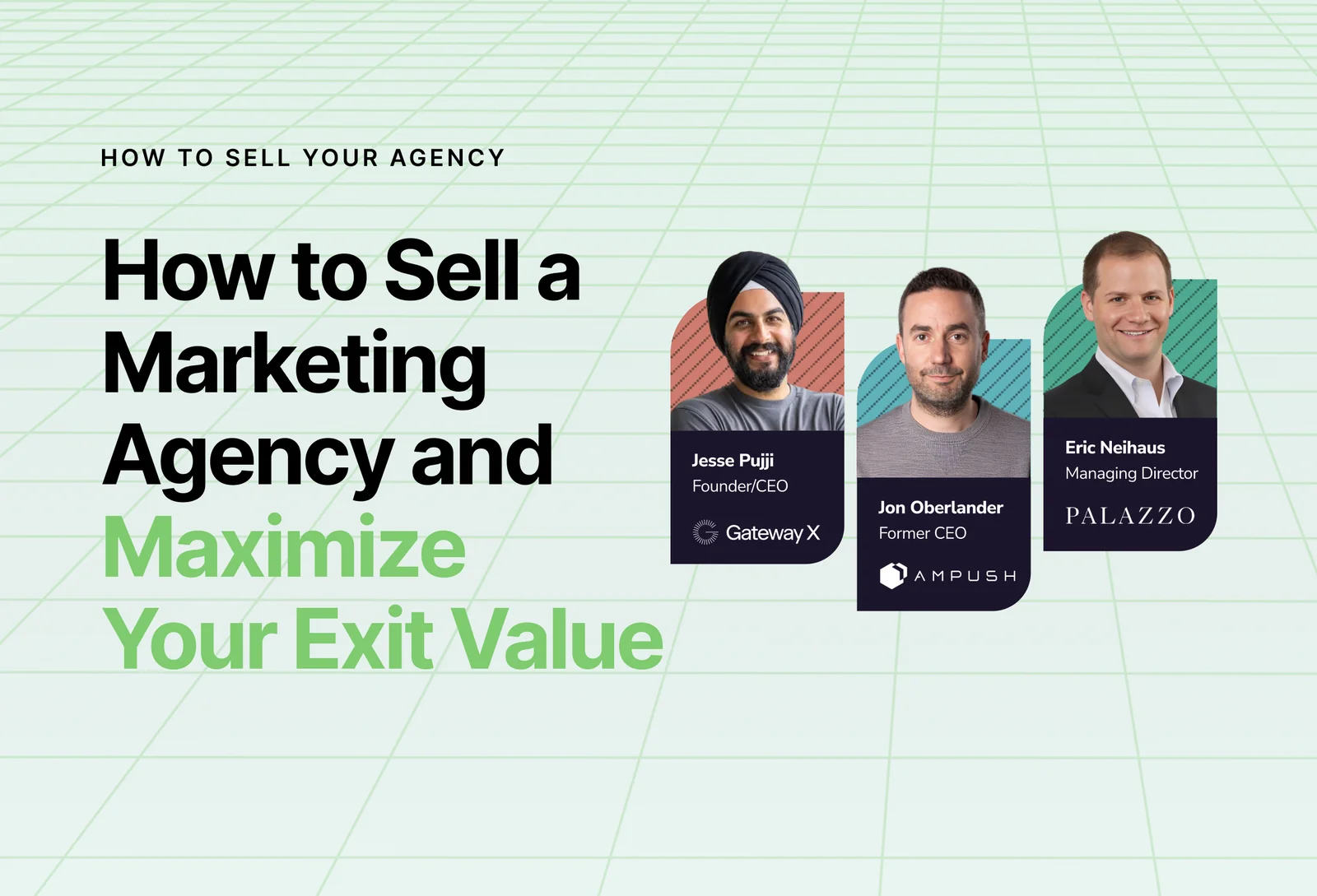
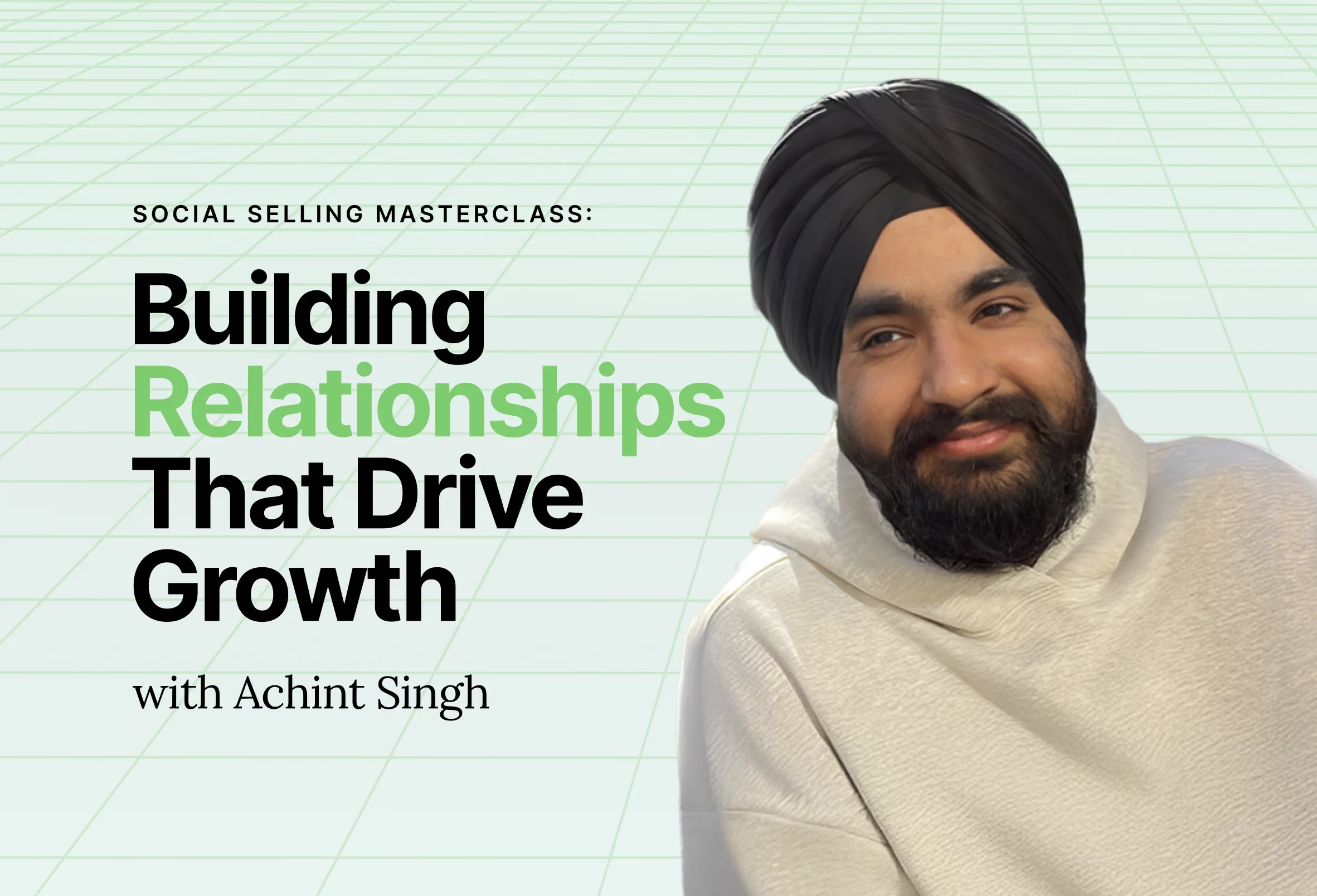
In this September 2025 masterclass, Achint Singh, who leads content marketing at GrowthAssistant and writes for co-founders Jesse Pujji and Adriane Schwager, walked through the system with Ray, the Growth Assistant who runs its daily execution. Andrew, who runs the media company Bootstrap Giants inside the venture studio Gateway X, hosted. You can watch the full session on this page.
Key Takeaways
- Optimize for conversion, not virality: a specific post that converts beats 100,000 impressions on an off-topic one.
- The first two sentences carry the post: a better hook can revive a post that flopped.
- Post early and consistently: publish natively, at the same time every day.
- Comment more than you post: the team comments on 150 to 300 posts a week, with nine words or more each.
- Wait for a signal before you reach out: a follow, like, or comment makes a message far more likely to land.
- Track everything in your CRM: follow-up tasks and automated sequences recover leads that would otherwise go quiet.
What Social Selling on LinkedIn Means
LinkedIn defines social selling as a way for sellers to connect and build relationships with prospects through social networks. Achint's view of the audience explains why it works: people on LinkedIn aren't there to pass the time. They are either trying to solve a problem or trying to grow in their careers.
That changes what success looks like. Virality is the metric most creators chase, and Achint says it is often the wrong one. Getting 100,000 impressions on a post unrelated to your business is less productive than getting 53 likes on a specific post that converts. You still need top-of-funnel posts to build an audience, but every post should serve the business.
The results the team shared:
- Jesse built an audience of more than 200,000 followers, mostly executives, private equity partners, and entrepreneurs.
- That audience helped build a newsletter with about 35,000 subscribers.
- GrowthAssistant's company page grew to about 50,000 followers.
- The full motion generated about $4 million in incremental revenue in the prior year.
How to Post on LinkedIn: Timing and Hooks
Post early, natively, and consistently
Andrew learned this the hard way. When he started posting for his own company, his posts underperformed Achint's, even with similar content. The first problem was timing: he posted when he had time, around 9 a.m., while Achint's Growth Assistant published at 7 a.m.
Achint's rules for publishing:
- Post five to seven days a week, at the same time each day.
- Post early in the day. Achint's posts go up at 7 a.m.
- Post natively instead of through scheduling software. Achint said LinkedIn and X favor native posts, and some tools miss platform features.
Write the first two sentences first
The first two sentences are almost as important as the rest of the post combined. They can be a hot take, as long as the post delivers on it.
Andrew has seen Achint take a post that flopped, rewrite only the hook, post it again on the same channel, and watch it take off.
Three Types of LinkedIn Posts That Work
1. Personal stories
These are top-of-funnel posts. The team turns everyday events from Jesse's life, and what he learns from them, into stories. They grow your follower count and make followers feel they know you, which pays off when you later try to convert them.
Authenticity matters most. As Andrew put it during a writing workshop, you have to be willing to "bleed on the page."
2. Leadership lessons
LinkedIn's most active users are professionals in middle and upper management, and leadership content hits hardest with them. Achint thinks the format is overused, so his rules are simple: don't flood your audience, don't claim what you can't back up, and teach lessons through real stories.
One example was Jesse stepping back from a company's meetings partway through the year and guiding the team from the outside.
3. Value posts and lead magnets
This is the most viral format today. You offer a guide, template, or walkthrough that people would once have paid for, and readers comment to get it. As comments pile up, they create social proof that pulls in more readers.
- Be specific to your offer. A step-by-step post on setting up a TikTok Shop got only 90 comments, but it closed three clients who wanted a TikTok Shop Growth Assistant. See the full TikTok Shop playbook.
- Use real moments. A post built from an actual text Jesse sent Achint drew about 5,000 people across X and LinkedIn who responded and downloaded the content.
- Show the value fast. For a guide recorded on Loom, the team posted a sped-up preview. If someone can see the value in about three and a half seconds, they are far more likely to ask for it.
Founder page or company page?
Most brands that grew through organic social started with the founder's personal page and then used that reach to build the company page. Vulnerability belongs on the personal profile. Value can come from either.
GrowthAssistant's page works because its posts are narrowly useful to its ideal customer: founders and marketers trying to grow their businesses.
How AI Speeds Up Content Without Losing the Voice
The team built a fine-tuned GPT trained on Jesse's and Adriane's voices, plus creators they want to learn from. The workflow:
- Jesse has a conversation, and the transcript goes to Ray.
- Ray, who knows what a good post looks like, writes a prompt for the fine-tuned model.
- The model produces a draft that is about 80% done.
- Achint edits it, spending most of his time on the first two sentences.
To keep the voice accurate, the team interviews the executive regularly. That took more time at the start and now takes about an hour a week. Those conversations capture what the executive values and thinks about, and that context goes back into the model.
Why Commenting Is the Highest-Leverage Activity
Achint called consistent, thoughtful commenting the single highest-leverage thing you can do to grow a LinkedIn account. According to Achint, the top 25% of commenters get about 30% more impressions, and the most active see 30% to 50% higher impressions per post.
Comments also let a smaller account borrow someone else's reach. If a reader finds your comment on a big creator's post helpful, they will often find you, follow you, and be easier to convert later.
The commenting rules
- Write at least nine words. Short comments perform worse.
- Comment in the hour before and the hour after you post.
- Comment on 150 to 300 posts a week, depending on how fast you want to grow and how well you can define your ideal customer.
- Split your list into thirds: big creators whose reach you want to tap, current clients, and target clients you want to notice you.
- Write real comments. Don't rely on LinkedIn's one-click AI suggestions.
The best comments start a conversation. A long, useful comment that earns a long, useful reply amplifies the creator's post and puts you in front of their audience.
Ray's commenting SOP
Ray follows a written SOP. He fills a ChatGPT prompt with the executive's profile, such as Adriane's background as a CEO with deep HR expertise, and pastes in the creator's post. The prompt returns four comment options, and Ray reviews them and picks the one that fits best before posting.
Every comment goes into a daily tracker, so the team can see what works and whether follower counts are growing.
How to Turn Engagement Into Conversations
Engagement only pays off if you follow up, and Achint stressed doing it thoughtfully rather than in a spammy way.
- Build the list. Ray uses Sales Navigator filters to find leads that match the ideal customer profile and Clay to enrich contact information.
- Wait for a signal. The team reaches out only after someone follows, likes, or comments, whether they found the executive first or the executive followed them first. That signal raises the response rate.
- Bump with context. One prospect, Dave, didn't answer the first message. Ray waited until Dave reacted to another of Adriane's posts, then bumped the thread. Dave replied and asked whether the service made sense for an investment bank.
- Choose the right channel. Prospects who are active on LinkedIn stay there. For one prospect who rarely used LinkedIn, the team moved the conversation to email right away.
- Help before you sell. The team replaced a single outreach template with conversational openers, such as "How's your marketing team structured?", followed by two or three sentences of useful advice.
To define who belongs on your list, see our guide to audience segmentation.
How to Track Social Selling in Your CRM
Everything runs through HubSpot. Ray logs every message, sets follow-up tasks when a lead goes quiet, and reports on the results.
One workflow stood out, which the team calls "clicked didn't book." When someone clicks the meeting link but doesn't schedule a call, HubSpot enrolls them in an email sequence from a growth lead or from Jesse, sometimes with an extra incentive to book. The team said it had raised the share of booked calls over the previous few months.
If you are connecting social activity to your CRM, our CRM integration guide covers the setup, and our guide to sales reporting shows how to measure the pipeline it creates.
Who Does the Work: Leaders vs. Growth Assistants
This system takes time. Ray spends 30 or more hours a week on it: scheduling content, commenting, engaging with the audience, and booking meetings. He covers LinkedIn and X and also runs email outbound.
The split is clear. Achint handles the front end, posting and writing hooks. Ray runs the back end, and he trained Achint on much of the HubSpot tracking and experimentation.
Creative runs the same way. Achint sends a brief to a design Growth Assistant at the end of the day, and the finished graphic is ready to post the next morning. The same principles of structure, hooks, and attention also apply to website content, where an SEO-trained Growth Assistant can work alongside a designer.
For more on handing off social work without losing your voice, read how to outsource social media management.
Common Social Selling Mistakes
- Chasing impressions instead of posts that speak to buyers.
- Posting whenever you have time instead of early and on a schedule.
- Posting without engaging before and after.
- Pitching before any signal of interest.
- Sending one template to everyone instead of a conversational, helpful message.
- Leaving conversations in your inbox instead of logging them in the CRM with a follow-up task.
Do It Yourself or Delegate It
As Andrew said at the close, everything in this session is something you can do yourself. The challenge is consistency: daily posts, hundreds of comments a week, and timely follow-ups are hard to sustain alongside a leadership role.
GrowthAssistant places AI-certified marketing specialists who work your hours, with plans starting at $3,500 a month. Book a call to see how a dedicated specialist can run your social selling motion day to day.